
Split bills. Keep memories.
An AI-powered receipt app that turns shared payments into lasting memories.
The product was designed to reduce mental math, social awkwardness, and post-dinner friction, especially in larger group dining situations.
Timeline
4 Weeks
Role
Product Designer
Focus
Product Strategy · UX Research · AI Workflow · Visual Design
01
Problem
After eating with friends, splitting the bill often becomes the most frustrating part of the experience. People struggle to calculate tax and tip, remember who ordered what, split shared dishes, track who has already paid, and avoid awkward payment conversations.
01
Our Vision
After eating with friends, splitting the bill often becomes the most frustrating part of the experience. People struggle to calculate tax and tip, remember who ordered what, split shared dishes, track who has already paid, and avoid awkward payment conversations.
01
Design Goal
Create a bill splitting experience that feels fast, lightweight, socially natural, low pressure, and intelligent without being intrusive. The app should reduce thinking, interaction steps, and awkward conversations.
User Flow
to saving memories
A calm split flow from receipt scan to payment closure
The Solution
Instead of building a budgeting app, expense tracker, or finance dashboard, Splitty becomes an AI-powered social utility centered around receipt scanning, item assignment, payment coordination, and lightweight session management.



Pause & cancel anytime
The Problem
Bill splitting becomes the most frustrating part of dinner: tax, tip, shared dishes, multiple receipts, and awkward payment reminders all collide when people are tired and distracted.
01
Design for real moments
After eating with friends, splitting the bill often becomes the most frustrating part of the experience. People struggle to calculate tax and tip, remember who ordered what, split shared dishes, track who has already paid, and avoid awkward payment conversations.
01
Design System
After eating with friends, splitting the bill often becomes the most frustrating part of the experience. People struggle to calculate tax and tip, remember who ordered what, split shared dishes, track who has already paid, and avoid awkward payment conversations.
01
Collection feature
After eating with friends, splitting the bill often becomes the most frustrating part of the experience. People struggle to calculate tax and tip, remember who ordered what, split shared dishes, track who has already paid, and avoid awkward payment conversations.
01
Collection feature
After eating with friends, splitting the bill often becomes the most frustrating part of the experience. People struggle to calculate tax and tip, remember who ordered what, split shared dishes, track who has already paid, and avoid awkward payment conversations.
Subtitle
Subtitle
Subtitle
1. Automation
The AI handles structure, calculations, shared-item detection, and receipt parsing so users are not forced into spreadsheet-like work.
2. Confirmation
Users confirm ownership and edits before anything becomes final. This preserves trust while still reducing effort.
3. Closure
The final digital receipt acts like a payment settlement artifact, with Paid, Pending, and Reminder Sent states.
Most existing bill splitting apps feel overly manual, visually outdated, accounting-focused, and dependent on everyone downloading the app. Splitty reframes bill splitting as a fast, lightweight social utility instead of a financial management tool.
01
Start a Split
02
AI Receipt Processing
03
Add People
04
Assign & Review
01
Collection feature
After eating with friends, splitting the bill often becomes the most frustrating part of the experience. People struggle to calculate tax and tip, remember who ordered what, split shared dishes, track who has already paid, and avoid awkward payment conversations.
Key Product Decision
The app prioritizes Split Sessions, not individual receipts. One session can contain multiple receipts, multiple rounds of orders, multiple participants, and shared items across time, which better reflects real social dining behavior.
Users scan a receipt, upload an image, or create a dining session. The system extracts items, prices, subtotal, tax, tip, and totals, then flags likely shared items. Participants are added through lightweight avatar chips, and users tap items to assign individual, shared, or everyone states.
01
Collection feature
After eating with friends, splitting the bill often becomes the most frustrating part of the experience. People struggle to calculate tax and tip, remember who ordered what, split shared dishes, track who has already paid, and avoid awkward payment conversations.
Split Rooms
For large groups, the host can generate a QR code, invite participants, and let people claim their own items without downloading the app.
UX Principles
Low cognitive load, social-friendly interactions, calm AI, and one screen per task. The interface avoids dashboard overload and dense financial analytics.
Neo Receipt Futurism
A visual language inspired by Apple Wallet, Linear, Raycast, receipt printers, and nightlife lighting: matte surfaces, subtle neon accents, receipt details, and ambient glow.
Challenges
The biggest challenge was balancing AI automation and user trust. If AI automated too aggressively, users lost confidence; if everything stayed manual, the product lost its value. I solved this by automating structure while preserving user confirmation. I also refined the dark neon direction by limiting accents, reducing glow, simplifying layouts, and increasing negative space to avoid “crypto UI syndrome.”
01
Reflection
This project taught me that the best AI experiences are often invisible. Instead of designing AI as a character, I focused on reducing cognitive effort, simplifying decision making, and quietly supporting real-world social interactions. The result feels intelligent, calm, fast, and human-centered without overwhelming users with complexity.
Built with the best
Access the latest tools, fully integrated and ready to go.



Reliable &
Future-ready
24/7
Always-On support

Hey there!
How can i help you?


Strategic solutions for lasting impact

Tailored strategy
High-Quality output
Timely delivery
Transparent process
Post-Launch support

© 2025 Ignitex creative agency
01
Final Outcome
Splitty transformed bill splitting from a stressful calculation task into a lightweight social coordination experience. The final product emphasizes speed, clarity, low friction, ambient intelligence, and social comfort.
Author
12
Reflection & Takesways
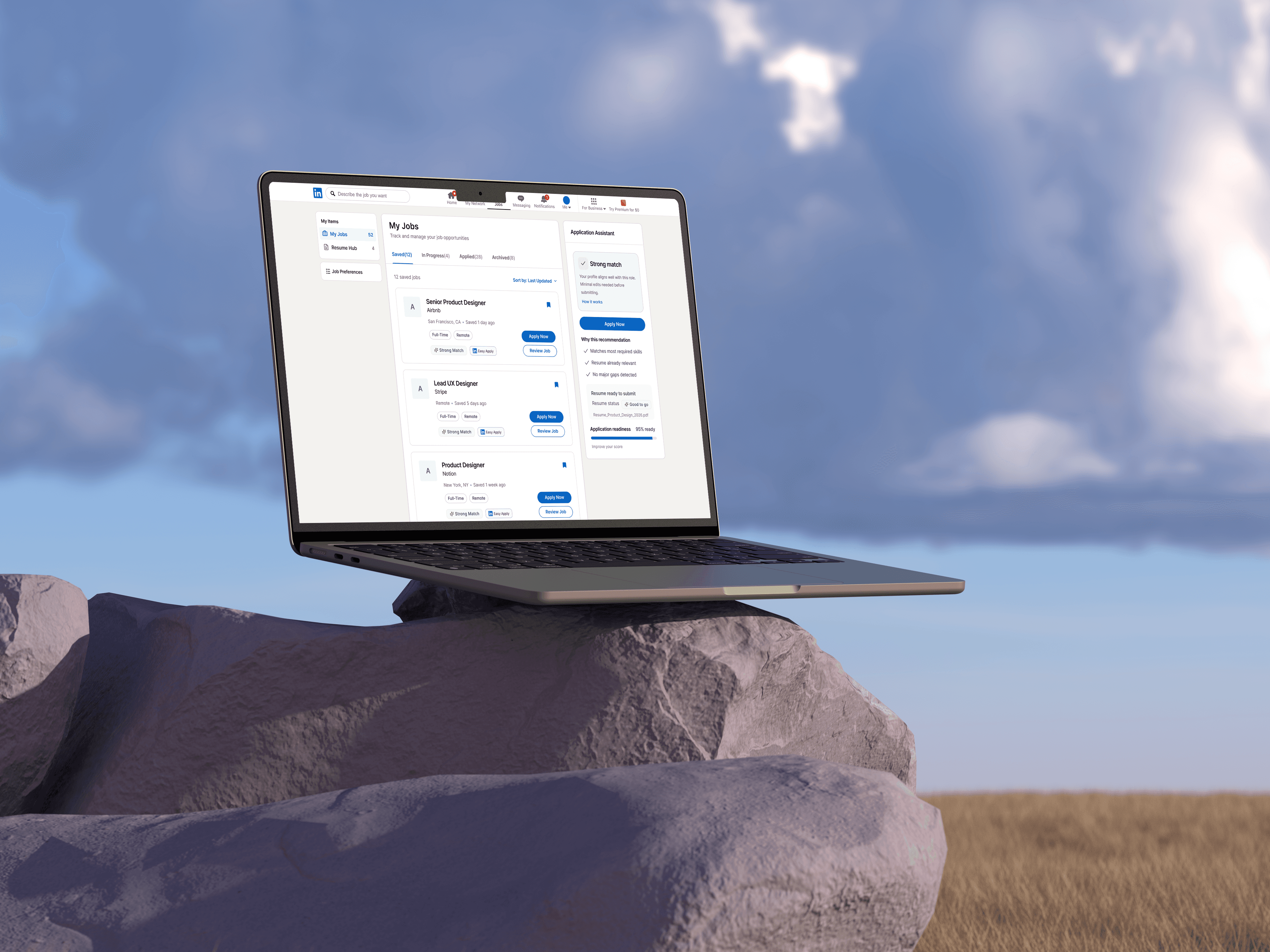
This project helped me understand that improving a workflow is not only about reducing steps. It is also about reducing uncertainty. For job seekers, the most stressful moments often happen between actions: deciding which resume to use, remembering what was submitted, and waiting without feedback.
By redesigning Easy Apply as a connected system, I focused on making each step more visible, recoverable, and confidence-building.
Thank you for watching :)
Check the Experience
More
Projects
LinkedIn Redesign
AI powered
read
read
View details
View details

LinkedIn Redesign
AI powered

read
read
View details
View details